
KeyShot vs Blender: How to Choose for Product Rendering
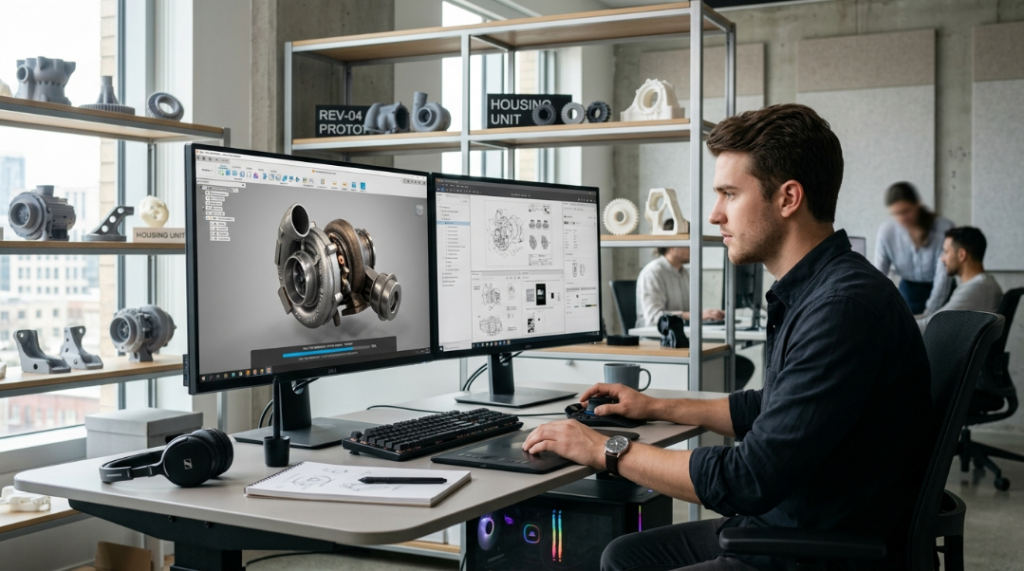
For a product designer or engineer who needs to convert a 3D model into a photorealistic image, the comparison between KeyShot and Blender inevitably comes up. Both can produce high-quality renders. But the path to that result is radically different: one is designed for the workflow to be fast, reproducible, and accessible to people who […]
Uniform E-commerce Catalog With 3D Render (KeyShot)

In an e-commerce store, the catalog is the storefront. The customer who enters the shop does not touch the product, does not try it, does not compare it in hand: they see it on screen. And what they see on screen is what they use to make the purchase decision. When the catalog shows each […]
KeyShot: Photorealistic Product Photo Without Studio or Prototype, Before Manufacturing
There is a sequence every product design team knows well: the product design is finished, the model is approved, and then the waiting begins. Wait for the prototype. Wait for the prototype to reach the studio. Coordinate the photographer. Wait for the photos. Review them. Request adjustments. Wait again. While that happens, the marketing team […]
How to replace physical product photography shoots in manufacturing
Rendering technology has earned its place in manufacturing marketing with high-SKU configurable catalogs and pre-production launches when no physical unit exists yet. Not to mention the cost cutting. Manufacturers who have made the switch report cutting product development costs by up to 60%. Yet, senior marketers will first weigh portfolio depth, engineering dependencies and the nuance […]
KeyShot Studio 2026.2: Apple GPU Support, Cloud Rendering, and 100+ Bugs Fixed
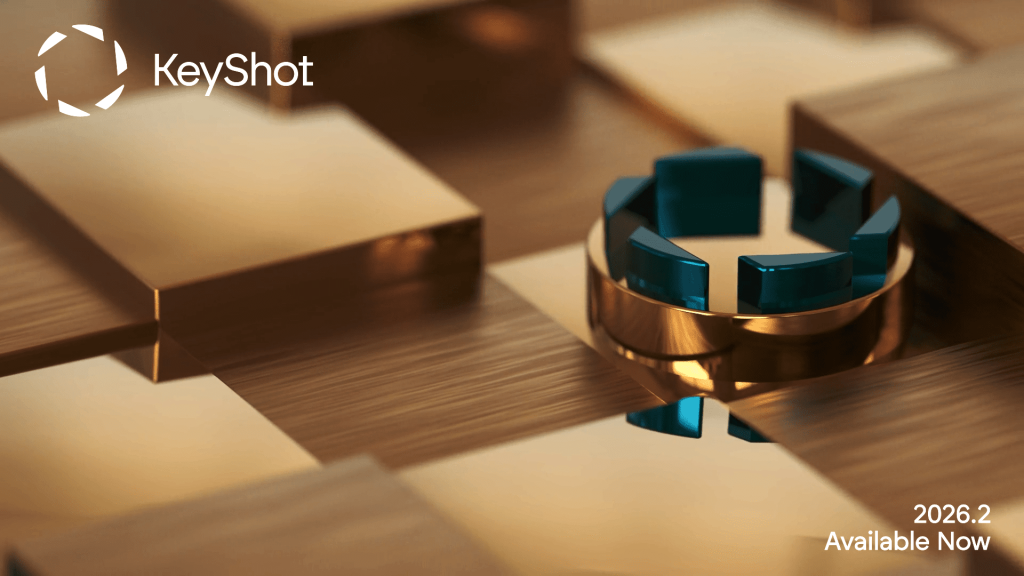
The latest KeyShot Studio update brings features that power users have been waiting for. Apple GPU support, cloud rendering, node grouping in the material graph, and a massive bug fix sweep that clears the way for a smoother daily workflow. Here’s everything in version 2026.2. Apple GPU Support (Beta): Up to 50x Faster KeyShot Studio […]
From CAD Model to Image That Sells: How KeyShot Transforms Product Visualization
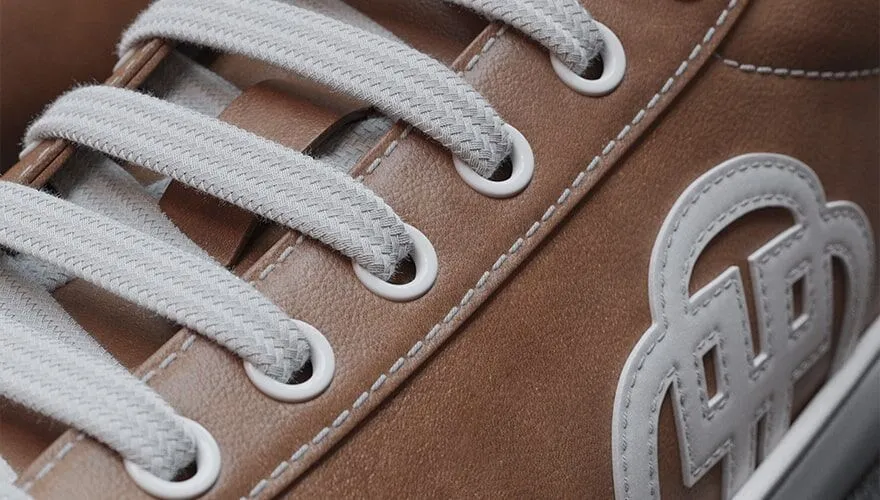
There’s a very specific moment in the online buying process when a customer decides whether to keep going or close the tab. It’s not when they read the price. It’s not when they check the reviews. It’s when they see the product image. And if that image doesn’t convince them, nothing else matters. The problem […]
Before you manufacture it, show it: photorealistic renders with KeyShot
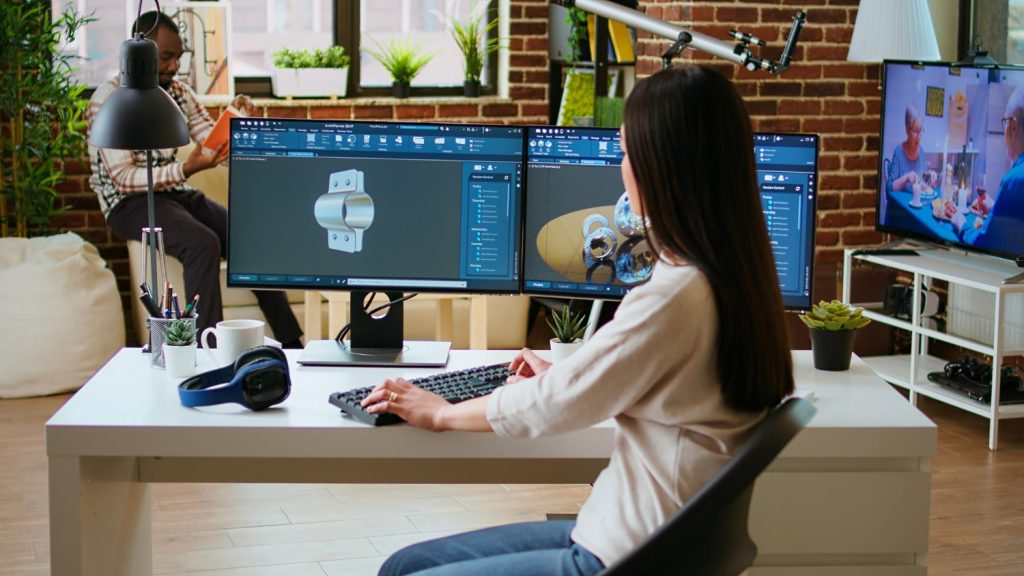
Before producing a single unit, before investing in a physical prototype, before even getting real feedback from the market, it’s now possible to show a product as if it were already finished. Photorealistic renders, with materials, lighting, and textures indistinguishable from a real photograph, generated directly from a 3D model. The problem is that many […]
From 3D Model to the Image That Sells: How Product Design Teams Lost Control of Their Visualization Pipeline
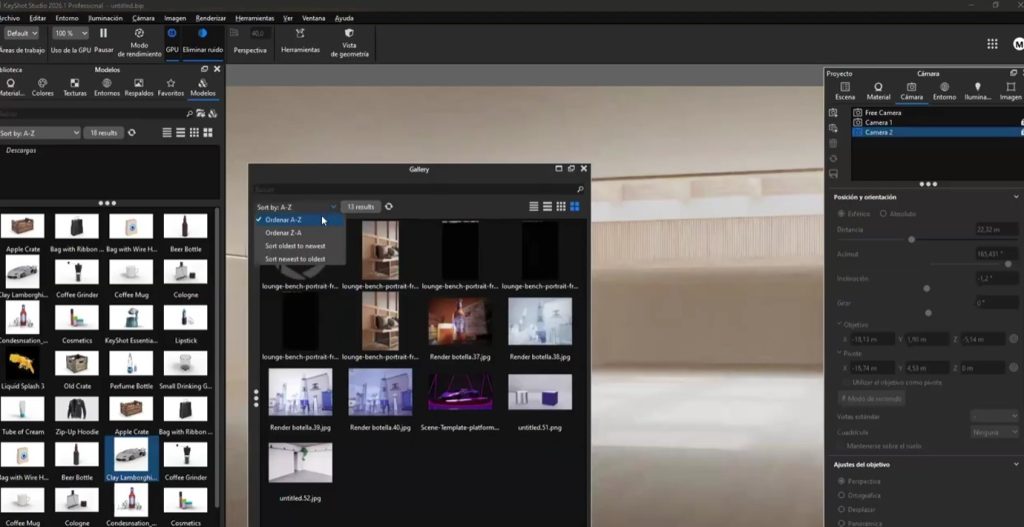
Behind every well-designed product, there is a critical moment that nobody mentions in kickoff meetings but everyone ends up suffering through: the moment when the model is already approved, the client is waiting for visual materials, and the team realizes that producing quality renders is going to take days they don’t have. The model exists. […]
Are your renders failing to convince clients? KeyShot solves that problem.
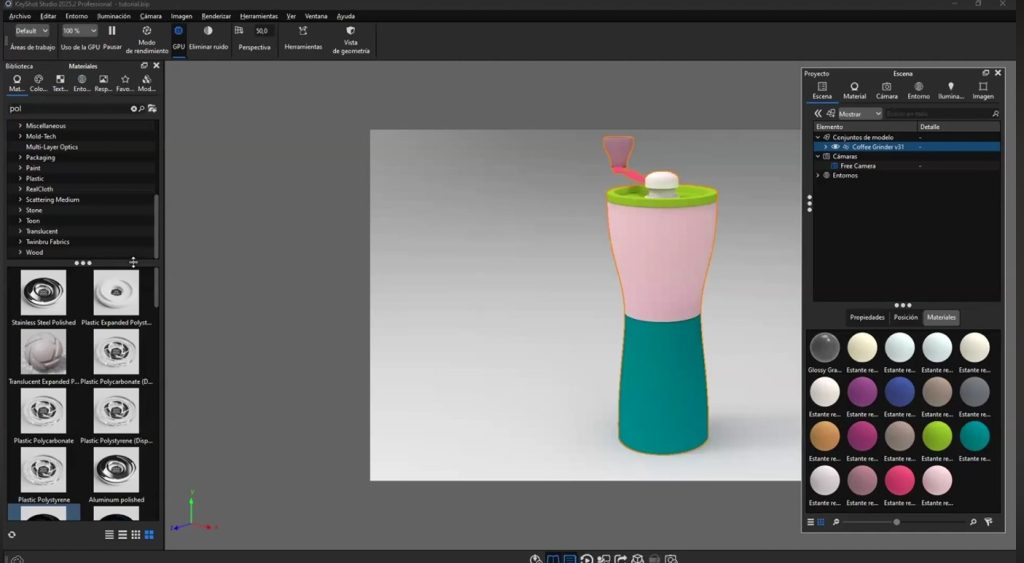
In the world of product design, architecture, and engineering, there’s a critical moment everyone knows: you show a client a 3D model and the response is, “Yes, but… what will it actually look like?” This gap between the technical model and the client’s visual perception has a name and a solution: it’s called KeyShot, and […]
KeyShot in Architecture and Visualization: Use Cases that Transform Project Presentations

In the world of architecture and professional visualization, image is everything. A client isn’t buying square meters or technical drawings: they’re buying a vision, an emotion, the certainty of how their space will look when it’s finished. That’s why the quality of the renderings you present can be the difference between winning or losing a […]