In the world of product design, architecture, and engineering, there’s a critical moment everyone knows: you show a client a 3D model and the response is, “Yes, but… what will it actually look like?” This gap between the technical model and the client’s visual perception has a name and a solution: it’s called KeyShot, and at Aufiero Informática, we specialize in ensuring your team masters it from day one.
The real problem: 3D models don’t sell themselves
You can have the best design in SolidWorks, CATIA, Rhino, or any other CAD platform. But if the visual presentation isn’t impactful, the client will have doubts, the project will be delayed, and revisions will multiply. Slow, unrealistic renders, or those requiring advanced knowledge of lighting and materials, are a daily obstacle for design studios, manufacturing industries, and product teams.
And the problem isn’t just aesthetic. Every time a client can’t visualize the final product, there are rounds of unnecessary revisions, extra meetings, and extended deadlines. In a market where time is a scarce resource, this invisible cost quickly adds up.
The other major obstacle is the learning curve for traditional rendering tools. Software like V-Ray or Blender is powerful, but it requires hours of setup, in-depth technical knowledge, and patience to achieve professional results. In a design studio or engineering department, there isn’t always the time or the right skills for that.
What makes KeyShot different
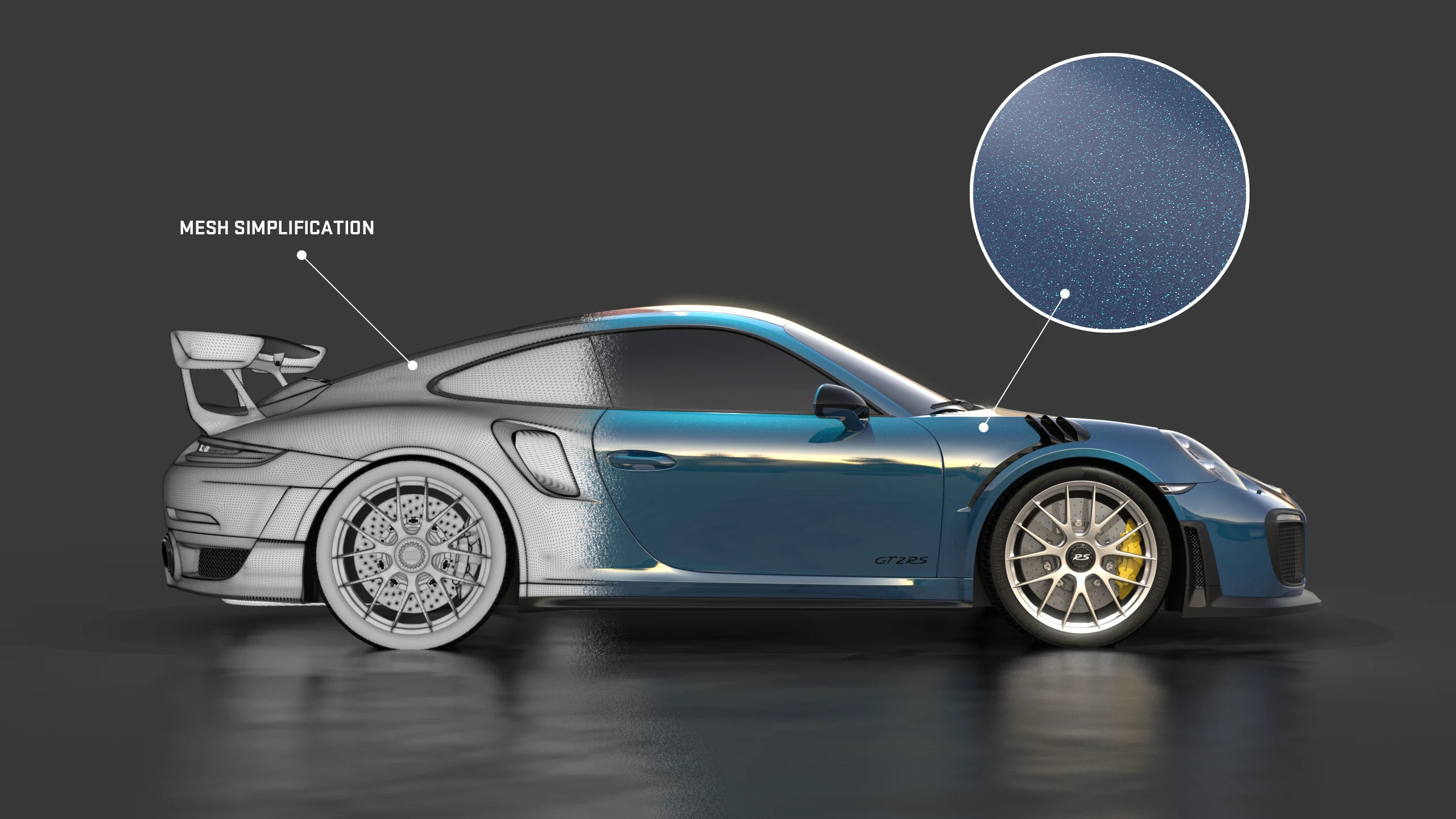
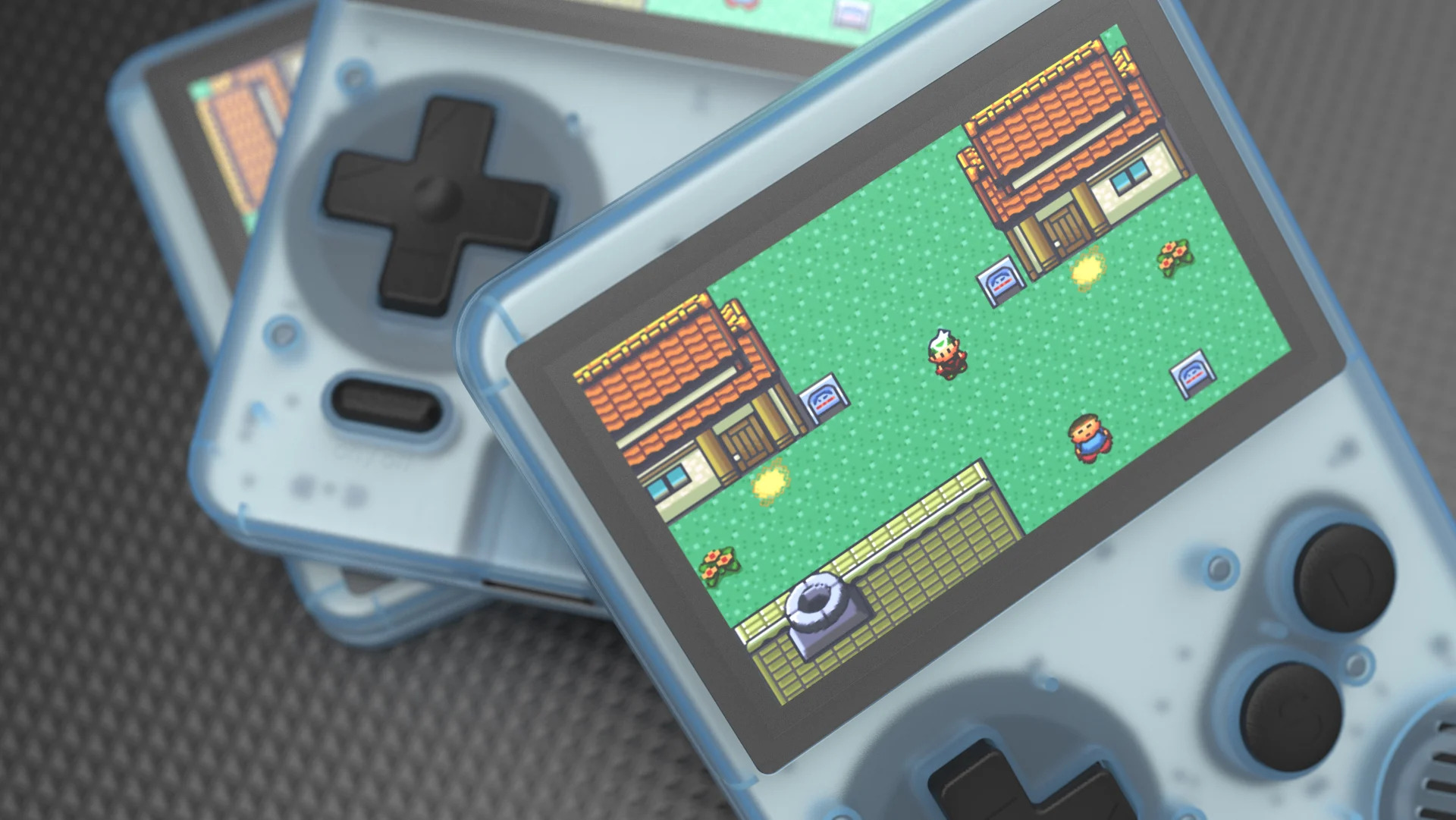
KeyShot is the world’s most widely used 3D rendering and animation software for a specific reason: it converts 3D models into photorealistic images in real time, without requiring you to be a rendering expert.
Since its last version, KeyShot 2025, the software has incorporated substantial improvements in AI workflow integration, GPU-accelerated rendering, and more intuitive product configuration tools. In 2026, it is the undisputed industry benchmark for teams that require both speed and quality.
Its most sought-after advantages today:
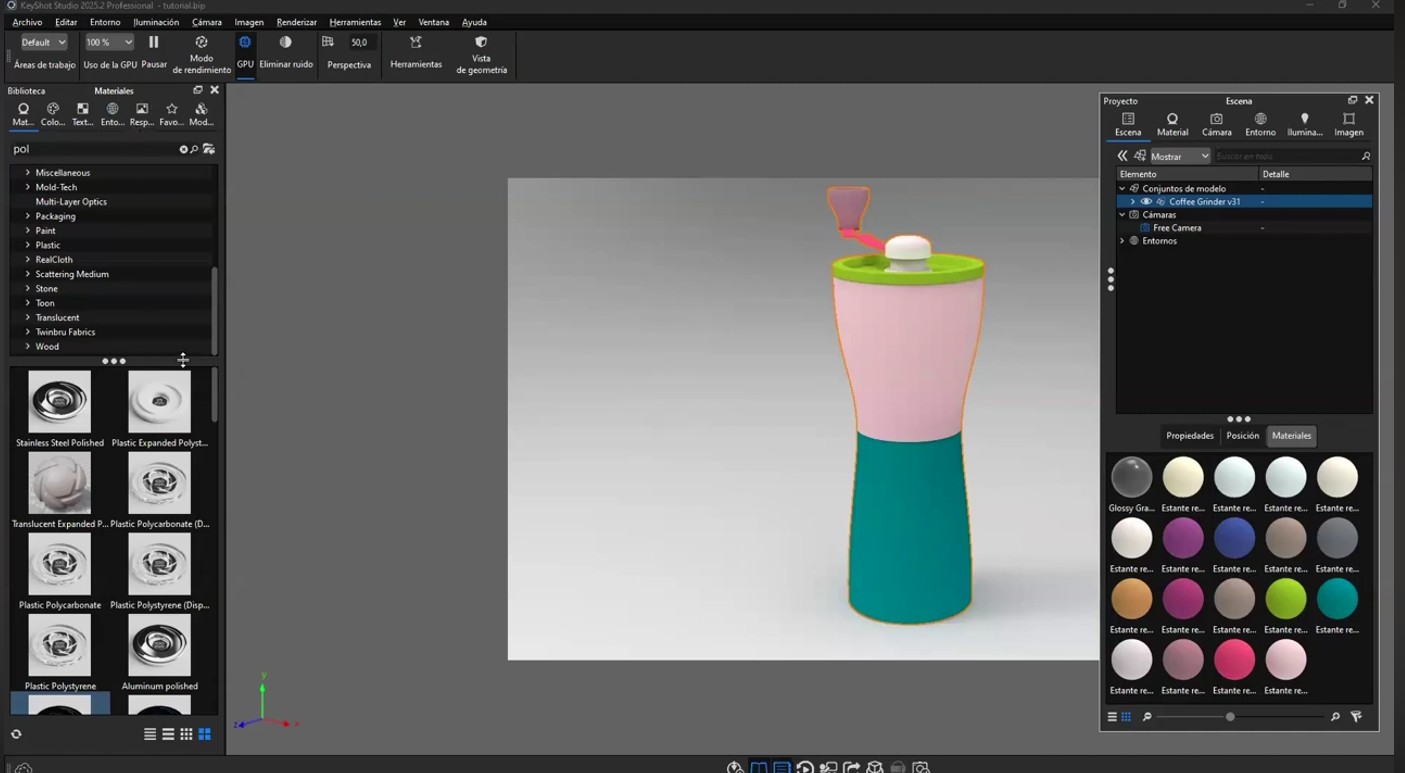
- Real-time rendering : You see changes in materials, lighting, and camera instantly, without waiting for render queues or complex setups.
- Library of physically accurate materials : metals, plastics, glasses, fabrics, ceramics and more than 700 ready-to-use materials, based on real physics.
- Direct CAD integration : compatible with SolidWorks, PTC Creo, Siemens NX, Rhino, CATIA, Alias, SketchUp, and many more. Import the model and render without any intermediate steps.
- Animations and product configurators : effortlessly showcase color variations, moving assemblies, and technical explosions.
- KeyShot XR : Interactive experiences where the customer can rotate, explore and configure the product from the browser, without installing anything.
- Ready-to-use output for marketing and e-commerce : high-resolution images, videos, 360° renders, and interactive web content that goes directly to the customer or online store.
- AI applied to rendering : the latest versions incorporate intelligent assistance for material selection, lighting configuration and variant generation, further reducing production time.
Why photorealistic rendering will no longer be optional in 2026
The market has changed. Customers consume high-quality visual content across all platforms, all the time. A mediocre product image is at a direct disadvantage against competitors who are already using advanced visualization. And by 2026, those competitors will be the majority, not the exception.
There are three trends that make this leap urgent today:
1. E-commerce demands 3D visualization. Online stores selling industrial products, furniture, jewelry, and technology are no longer satisfied with catalog photos. Users expect to be able to view the product from different angles, change colors and materials, and have an experience as close as possible to holding the object in their hand. KeyShot XR makes exactly that possible, without the need to manufacture physical prototypes.
2. The approval cycle has shortened. Companies that work with photorealistic renderings from the earliest design stages drastically reduce iterations. Clients approve sooner because they see the results sooner. That’s not a luxury: it’s a competitive advantage measurable in project weeks.
3. Generative AI changed visual expectations. With the proliferation of AI-generated images, the market’s aesthetic standard skyrocketed. Today, a render that seemed “acceptable” three years ago simply doesn’t pass muster. KeyShot, combined with its new integrated AI tools, allows you to meet these expectations without significantly increasing production time.
Sectors such as packaging, industrial design, jewelry, furniture, interior architecture, automotive and healthcare know this well: rendering is no longer an extra, it is part of the sales process, the internal approval process and the product development process.
The most common mistakes when trying to render without KeyShot
Before coming to Aufiero Informática, many of our clients went through the same situations. The most frequent ones:
- Using the CAD’s built-in rendering engine : the results are functional but never photorealistic. It’s suitable for technical documentation, not for business presentations.
- Hiring a freelancer for each render : an expensive, slow, and difficult-to-maintain solution. When the design changes, you have to start all over again.
- Opting for generalist tools like Blender : very powerful, but with a learning curve that can rarely be sustained in an industrial or product design environment.
- Not investing in visualization and losing the bid or the presentation : the most expensive case, and the quietest.
KeyShot exists precisely to eliminate these pitfalls. It’s a specialized tool, built for the CAD workflow, with the specific goal of enabling an engineer or designer to produce advertising-quality images without being a photographer or 3D artist.
Aufiero Informática: your official KeyShot partner
At Aufiero Informática we have been working with KeyShot for years and we support companies in different sectors throughout the entire process: from choosing the right license to training the team and providing post-implementation technical support.
We don’t sell software: we solve your company’s visualization problem.
We know that every organization has a different workflow, a different level of maturity in digital tools, and its own objectives. That’s why our approach isn’t transactional: it’s genuine support from the initial diagnosis until the team is producing results independently.
Our support includes:
- Free preliminary consultation : We analyze your current CAD workflow, the type of projects you handle and the output formats you need, and recommend the version of KeyShot that best suits you.
- Flexible licensing : individual, floating, or enterprise, with annual subscription or perpetual license options with maintenance. We explain the real differences so you can choose with information, not pressure.
- Customized training in your environment : we don’t train with generic models. We work with your team’s real files, materials, and use cases. The learning curve is drastically shortened when the example is your own product.
- Integration with your CAD stack : We ensure that the KeyShot plugin works correctly with your version of SolidWorks, Rhino, Creo, or whatever software you use. No “install it and see.”
- Continuous technical support : we respond when the problem arises, not when it’s convenient. That makes all the difference when you have a presentation the next day.
- License updates and management : we notify you when there are new relevant versions, explain what’s new, and manage renewals so you don’t experience any interruptions.
Who benefits most from KeyShot?
KeyShot is not a niche tool. By 2026, it will be used by organizations of all sizes and sectors that work with physical products. The profiles that consult us most frequently include:
- Industrial and product design studios that need to present concepts with photographic quality before moving to a prototype.
- Engineering departments that want to communicate better internally within the company and to customers, without depending on the marketing area.
- Manufacturing companies seeking to expedite internal approvals and reduce review cycles with customers.
- Advertising and marketing agencies with physical products that need product images without doing photo shoots for each variant.
- Interior design and furniture professionals who present projects with staged renderings and real materials before production.
- Packaging companies that want to visualize labels, shapes, and materials in a gondola context before printing.
- Automotive and transportation sector , where KeyShot is the industry standard for component visualization, interiors and exteriors.
- Medical and healthcare industry , where the visual accuracy of devices and equipment is key for both regulatory approvals and commercial communication.
Specific use cases that KeyShot solves
To clarify in what specific situations KeyShot changes the outcome:
- Commercial proposal presentation : Instead of showing a grayscale CAD model, the client sees the product in its actual colors, in a realistic setting, with product lighting. The approval rate increases.
- Variant catalog : a product with 12 color and material combinations that previously required 12 separate renders, is now generated in minutes with KeyShot’s variant system.
- Launch video before manufacturing : the product does not yet physically exist, but it already has a professional presentation video ready for the launch campaign.
- Tender or competition document : a proposal with photorealistic renderings has a visual weight that no technical drawing can match.
- High-level technical documentation : exploded views, assembly animations, and cutaway views with visual quality for manuals, corporate presentations, or internal training.
The next step
If your team is wasting time with slow renders, unconvincing images, or workflows that don’t scale, it’s time to make the leap.
At Aufiero Informática, we offer a KeyShot demo tailored to your industry. Not a generic demo: we’ll take one of your models and show you, live, what KeyShot can do with it. No obligation, just concrete answers.