
An Introduction to the new AI Shots in KeyShot 2026.1

KeyShot has been using AI as part of the rendering workflow for many years. Denoising and in particular progressive denoising relies on custom trained AI models that speed up the creation of noise-free rendered images. KeyShot 2025.2 introduced a new generative AI workflow called AI Shots. AI Shots enables the creation of images utilizing the […]
How to Use KeyShot Studio Geometry to Create Custom Sketch Underlays
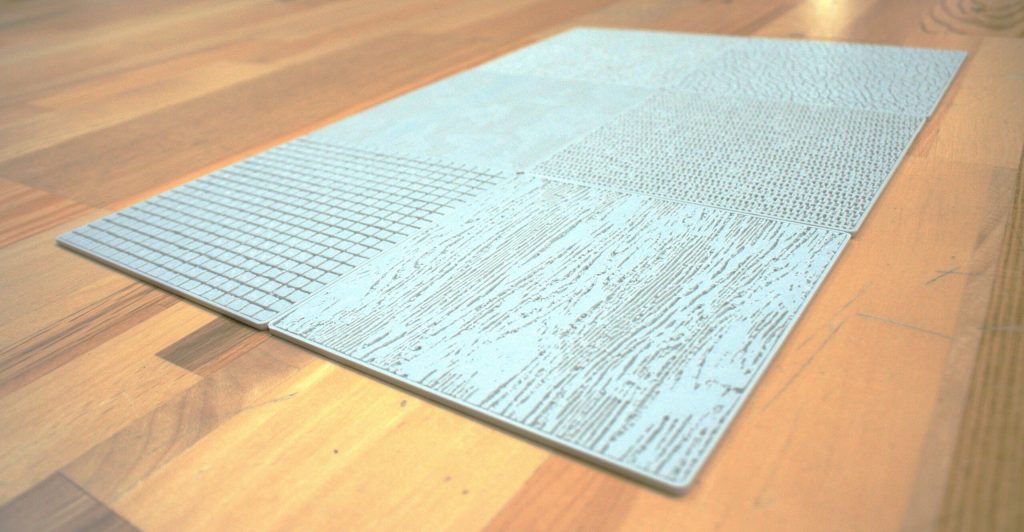
As product designers, we often see 3D rendering as the final step of a project the moment we make our finalized concept look photorealistic. But what if we used rendering technology at the very beginning of the designprocess, to create physical tools that help us ideate? I recently discovered that KeyShot’s Displacement feature is not […]
Everything new in KeyShot 2026.1: More realistic AI output you can edit and upscale, Move Tool + Custom Pivot upgrades and more
Faster, photoreal AI Shots you can edit Have you been fighting for truly photorealistic results with your AI tools? Fight no more: AI Shots now provides significantly more realistic results, and it’s even easier to use. This means: Background mode is more accurate, placing your 3D objects into the background with correct perspective and scale. Short prompts can give equally good […]
When Rendering Becomes a Strategic Tool for Industry
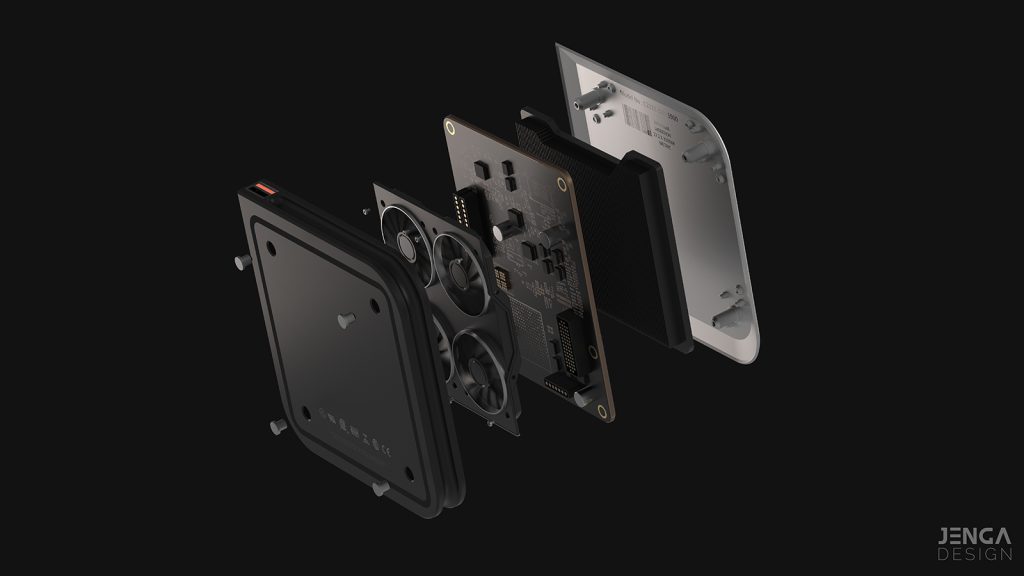
In many design studios and engineering departments, 3D rendering is still perceived as a final stage — the moment when the product is already defined and all that remains is to “make it look good.” However, in demanding professional environments, rendering is far more than an aesthetic resource. It becomes a tool for validation, communication, […]
Optimizing Complex Materials, Managing Heavy Scenes, and Automating Variants
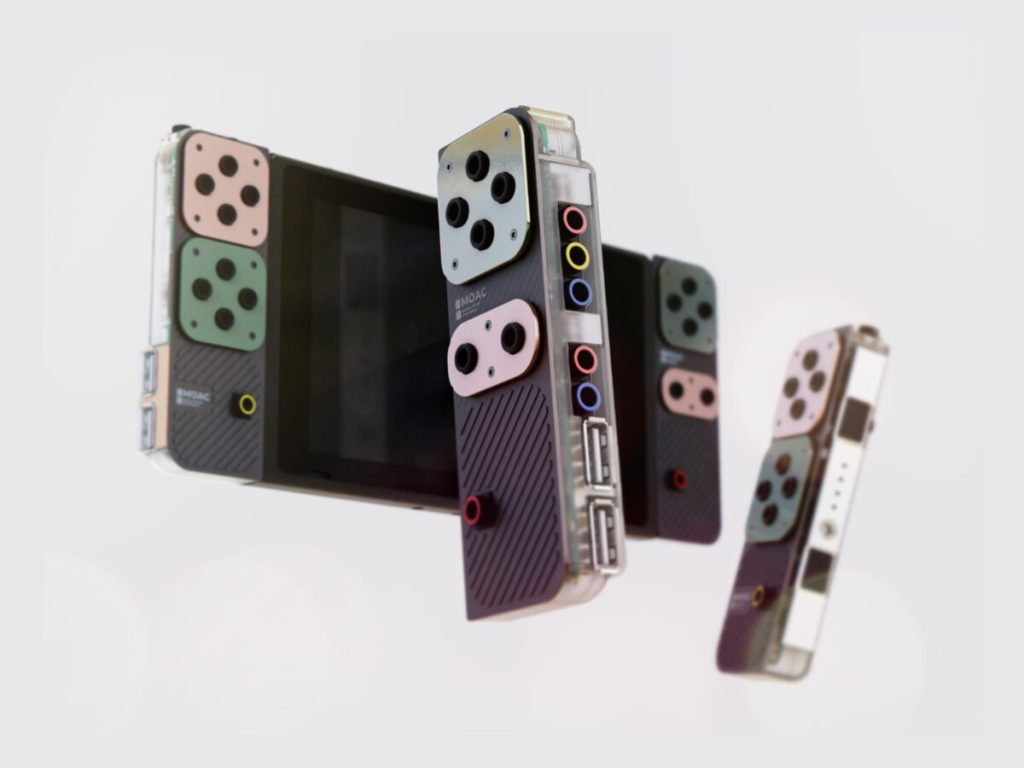
If you already work with KeyShot, you probably don’t need an explanation of what ray tracing is or how to drag and drop a material onto a part. The real productivity leap happens when you begin to fully exploit three areas that usually make the difference in complex professional projects: advanced material construction, heavy scene […]
Our Digital Asset Management solution now has a new name—KeyShot DAM—delivering the same powerful efficiency
Original post: https://www.keyshot.com/blog/keyshot-dam-same-powerful-efficiency/ KeyShot Dock is now KeyShot DAM, and this change isn’t just about renaming a business unit – it’s about a stronger focus on delivering clear and streamlined value to our customers. Learn how here: Why the change? The renaming to KeyShot DAM is a step toward better understanding and alignment with what we […]
New in KeyShot Studio: OpenPBR, Cryptomatte, speed improvements and more
You’re always improving your craft, and we’re always improving KeyShot Studio so that it better supports your design workflow. Upgrade to the latest version to access the new Custom Pivot tool, OpenPBR, Cryptomatte, depth of field lock, up to 85% faster displacements, up to 50% faster AMD performance, and more! Speed up your workflow with the latest updates — here’s a step-by-step guide 1. Grouping hotkeys + […]
KeyShot Studio AI prompt tips
Have you tried the new AI tools in KeyShot Studio yet? Now available in Studio 2025.2, AI Shots gives you three new ways to amplify your creativity — whether you’re exploring styles, building scenes, or dreaming up what’s next. Everything runs locally and fits right into your existing workflow, with you in full control. Prompting tips for AI Shots in KeyShot Studio Be specific Like with any AI […]
Make this 360-degree spinning turntable with AI Shots
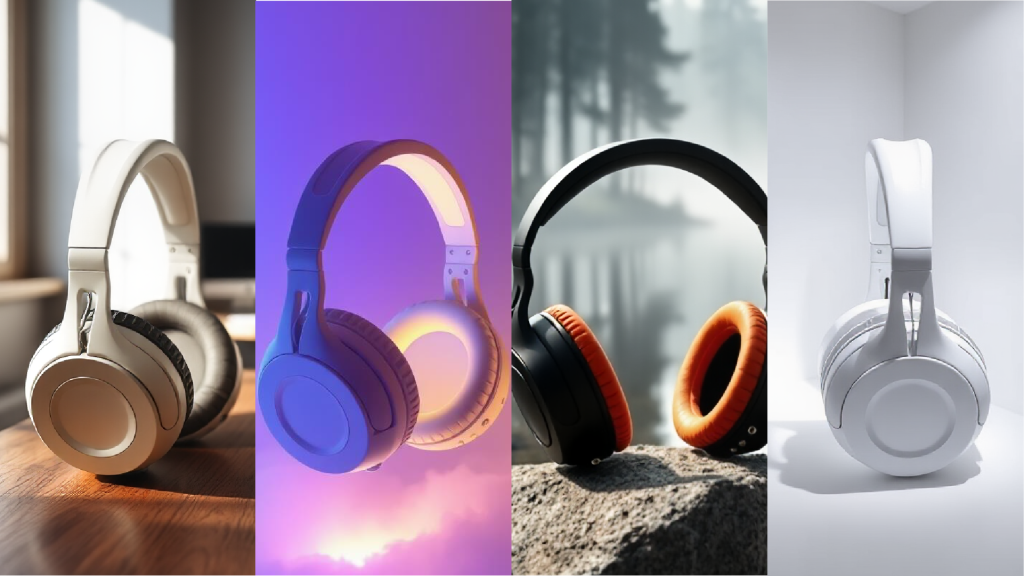
AI is now available in KeyShot Studio! AI Shots gives you three new ways to amplify your creativity — whether you’re exploring styles, building scenes, or dreaming up what’s next. Everything runs locally and fits right into your existing workflow, with you in full control. Make this 360° globe-trotting turntable in AI Shots 7 simple steps to create your global turntable KeyShot Studio Assistant Product […]
Smarter Renders Start Here: Discover What’s New in KeyShot Studio 2025.2
Smarter Renders Start Here: Discover What’s New in KeyShot Studio 2025.2 KeyShot Studio 2025.2 is here, and it’s packed with tools designed to supercharge your creative process. From the debut of KeyShot Studio AI to precision lighting controls and smarter materials, this update gives you more ways to create, refine, and render—faster than ever. Here’s a look at what’s new. Introducing KeyShot Studio AI We’re excited to […]