There is a sequence every product design team knows well: the product design is finished, the model is approved, and then the waiting begins. Wait for the prototype. Wait for the prototype to reach the studio. Coordinate the photographer. Wait for the photos. Review them. Request adjustments. Wait again.
While that happens, the marketing team has no images for the launch campaign. The sales team has no material to present to the channel. And every week without a product image is a week without selling.
The physical prototype and the photo shoot were for decades the only path to a convincing product image. Today that path has an alternative that does not require waiting for the product to exist.
Why Dependence on the Physical Prototype Delays the Launch
In the product development cycle, product photography has always been the last step before launch. First design, then manufacture the prototype, then photograph it, and only then can marketing work. That order has a concrete consequence: marketing always starts late.
Product photo shoots also have their own friction points. Renting a studio. Coordinating availability with the photographer. Transporting the prototype without damaging it. Setting up lighting. Capturing the angles the marketing client has in mind. Discovering at delivery that an angle is missing or a finish does not look right. Doing it all again.
On top of that, in many product categories the sales team needs images before the product is even in production. Buyer presentations, seasonal catalogs, product sheets for e-commerce platforms: all of that is needed before a physical unit exists to photograph.
What KeyShot Is and How It Generates the Image Before the Product Exists
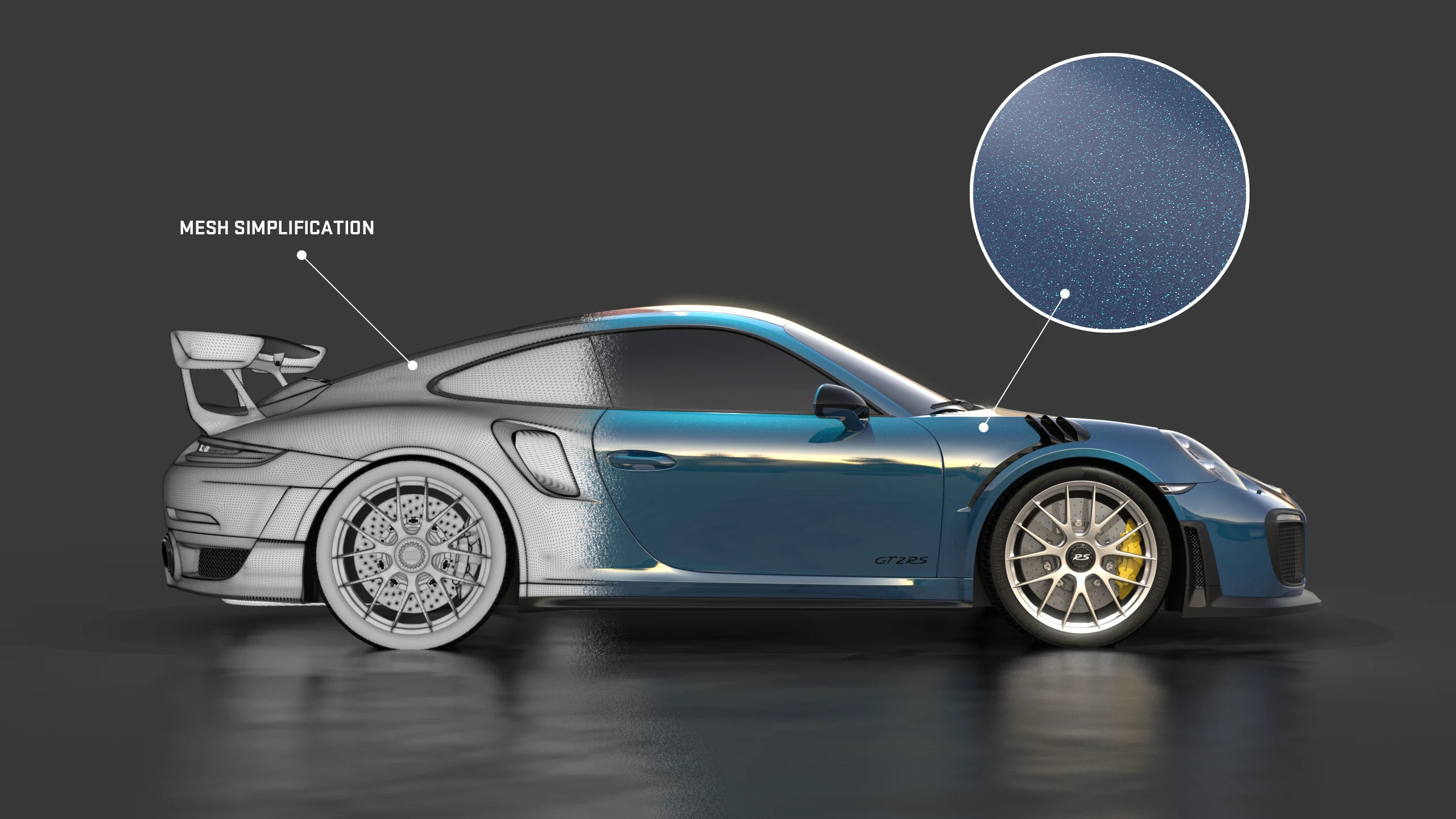
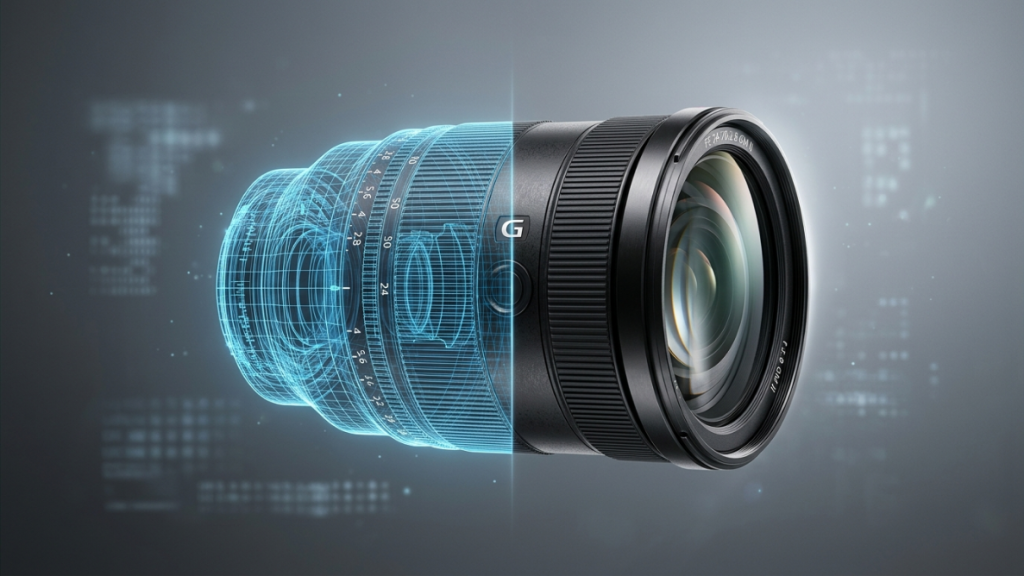
KeyShot is the most widely adopted product rendering platform in the industrial design, engineering, and product development industry. It generates photorealistic images directly from the 3D file, without needing a physical prototype, without a photo studio, and without complex technical configuration.
The workflow is direct: the team imports the 3D model from their usual design software, assigns the correct materials and finishes from the KeyShot library, configures the lighting and camera angle, and generates the image. The result is a commercial-quality product photograph that does not require the product to physically exist.
For teams working with tight launch deadlines, that fundamentally changes when marketing can start. Instead of waiting for the prototype to have images, the product team can deliver photographic-quality images in parallel with development, before the first unit is manufactured.
Realistic Product Photo Without Studio or Prototype
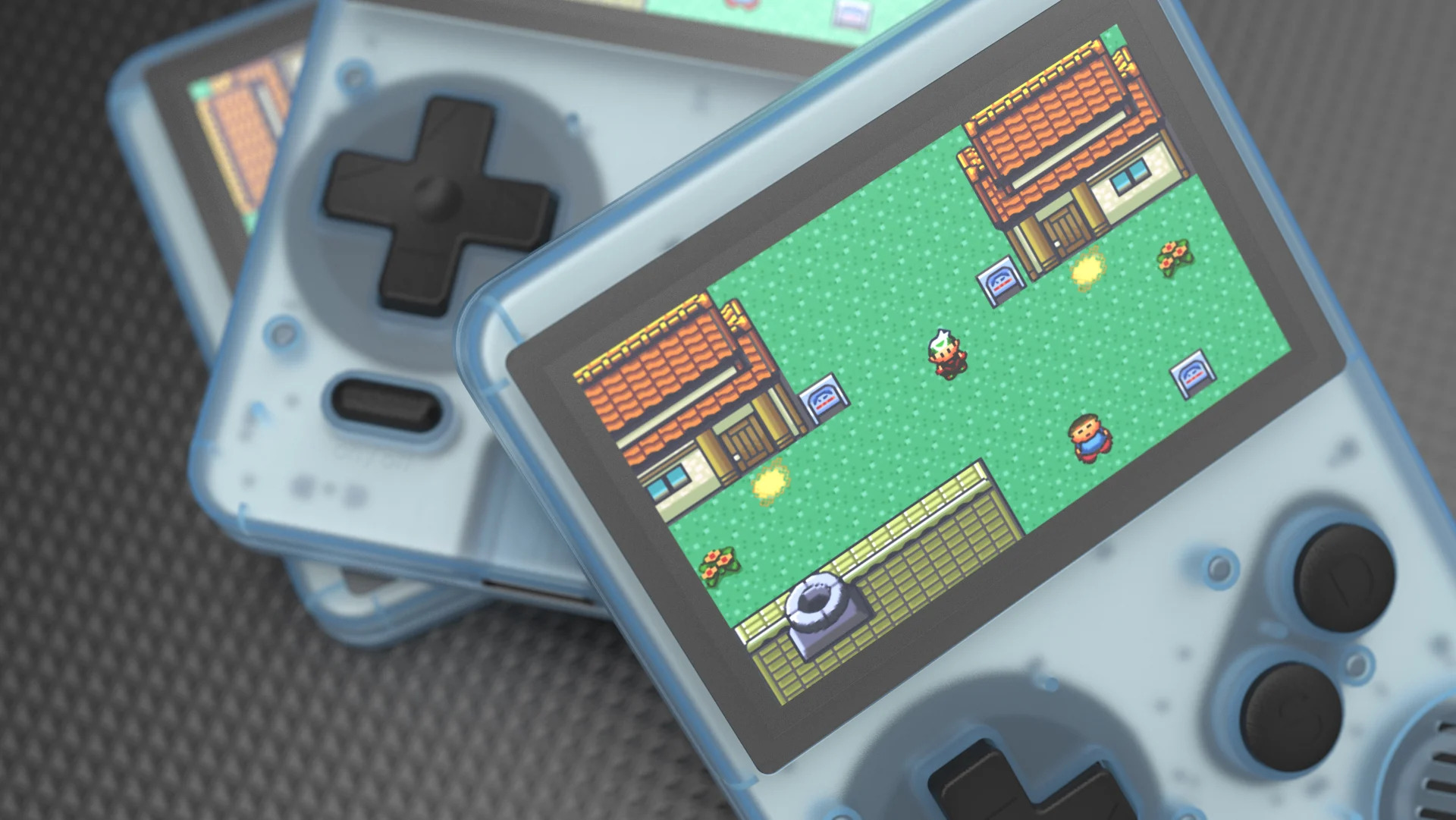
The KeyShot render engine simulates the physical behavior of light on product materials with scientific precision. A brushed metal surface looks exactly like a brushed metal surface under real studio light. A translucent plastic transmits light the same way it would in a real photograph. A fabric has the texture and light behavior that the physical material would have.
The KeyShot material library includes thousands of physically correct materials: metals, plastics, glass, rubber, fabrics, ceramics, and virtually any industrial or consumer material. Each material can be adjusted with the exact parameters of the real product material, including surface finishes, roughness, reflection, and light transmission.
For design teams working with precise material specifications, that means the image KeyShot produces is the image of the real product, not an approximation. The client approves what they will see when the product reaches manufacturing.
Change Material and Color in Real Time
One of the most concrete advantages of KeyShot for product design teams is the ability to change materials and colors in real time, without needing to re-render from scratch.
In a traditional photo shoot, each color or material variant requires a separate setup or a physical product of each variant. With KeyShot, material or color changes are applied instantly in the real-time preview, and the final render of each variant is generated in minutes. For products with multiple customization options, that drastically reduces the time and cost of producing the complete visual catalog material.
KeyShot also includes animation and product configuration tools that allow showing variants, component explosions, and product walkthroughs in motion, generating commercial-quality video material with the same workflow that produces static images.
Marketing and Sales Start Before Manufacturing
The most direct impact of incorporating KeyShot into the product development workflow is not the quality of the images. It is when those images are available.
With KeyShot, product images can be ready in parallel with the design process, before manufacturing begins. The marketing team has material to build the launch campaign. The sales team has images to present to the distribution channel. And product sheets for e-commerce can be loaded and ready before the first batch reaches the warehouse.
For companies competing in markets where launch speed is a competitive advantage, that compression of time between design and sales material can make the difference between arriving first or arriving when the category is already taken.
Where Aufiero Informatica Comes In
KeyShot is distributed by Aufiero Informatica, an official distributor with extensive experience in visualization and product design software for industrial design, engineering, and product development teams.
If your team still depends on the physical prototype and photo shoot to have product images, or if you want to reduce the time between design and launch, Aufiero can advise you on the right license for your team size and workflow. Schedule a free demo.
Frequently Asked Questions About KeyShot for Product Design
Does KeyShot need the physical prototype to generate images?
No. KeyShot generates photorealistic images directly from the 3D file, without needing a physical prototype or photo studio.
What 3D formats does KeyShot accept?
KeyShot is compatible with the main CAD and design formats: STEP, SolidWorks, Rhino, CATIA, Pro/E, Alias, OBJ, and many more. Import is direct from the team usual design software.
Can I test materials and colors before manufacturing?
Yes. KeyShot allows changing materials and colors in real time in the preview, and generating renders of all variants without needing a physical product of each combination.
Does KeyShot produce video in addition to static images?
Yes. KeyShot includes animation tools that allow generating product video, component explosions, and product walkthroughs in motion with the same workflow that produces static images.
Where can I purchase KeyShot?
Through Aufiero Informatica, official KeyShot distributor in LATAM.