KeyShot

Collaborate and explore with KeyShot Studio VR

Switch from KeyShot to a VR environment with a single click.

Built for designers.
Manufactured by KeyShot.

Prepare your scene

Import your model into KeyShot Studio. Add any materials, environments or animations you want and save the scene.
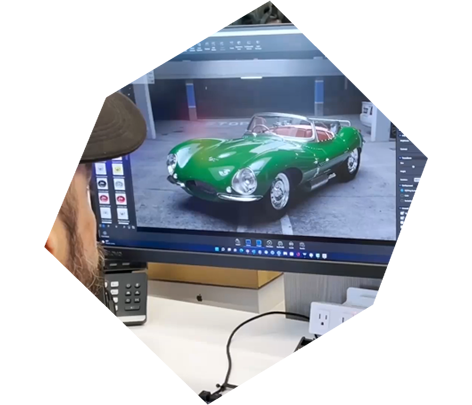
Start KeyVR

Press the KeyShot Studio VR button in the KeyShot Studio toolbar (from version 8) or launch KeyShot Studio VR and open the scene directly.
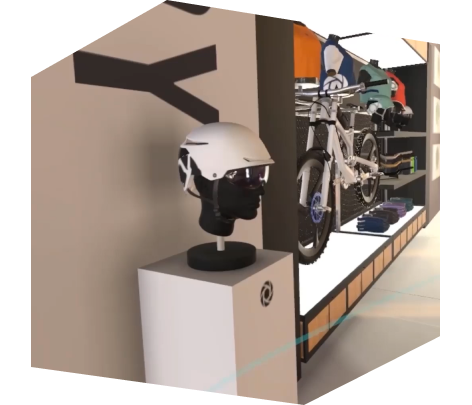
Experience

Visualize your 3D model in an interactive environment, change materials, choose lighting, and make design decisions faster.
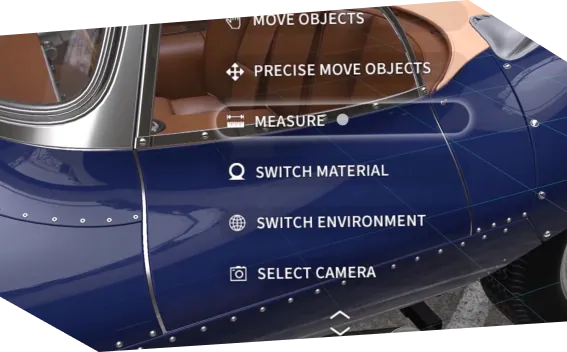
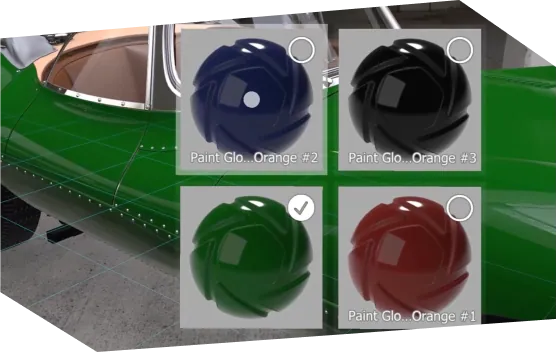
Virtual exploration.
Real collaboration.

KeyShot Studio VR Connect gives users the ability to work together, from anywhere in the world, in the same virtual space and at the same time, improving communication and increasing collaborative design exploration time.

KeyShot Studio VR
connect uses

Quick Design Review

Hosting a session is as easy as a click, with no setup required.

Virtual Stores

See product variations and presentations as they exist in a real-world context.


Sales Evaluation

Review the design with sales/marketing even before manufacturing begins.

KeyShot Studio VR offers complete control of your environment

Supports the following KeyShot Studio features

What you need to get started

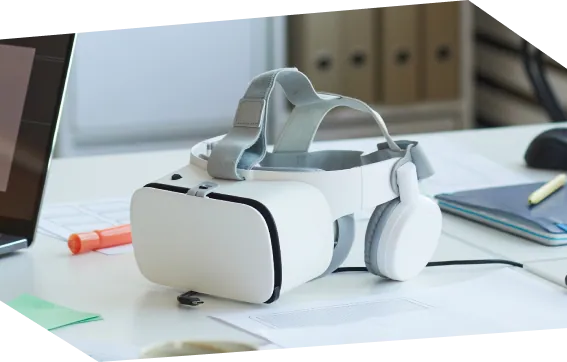
Compatible headphones

Recommended PC