
In an e-commerce store, the catalog is the storefront. The customer who enters the shop does not touch the product, does not try it, does not compare it in hand: they see it on screen. And what they see on screen is what they use to make the purchase decision. When the catalog shows each product with different lighting, a different background, and an angle that changes from one listing to the next, the signal the customer receives is not “look at this product”: it is “look at this inconsistency”.
For a marketing and e-commerce team, that problem has a known cause and a real cost: photos were taken in different sessions, with different photographers or different setups, and standardizing them afterward is expensive, slow, and logistically complex. Redoing a photo session to bring everything to the same standard can mean coordinating sample shipments, booking the studio, managing post-production, and waiting weeks. KeyShot offers a different path: an identical virtual studio for all products, from the 3D model, in minutes.
Why an Inconsistent Catalog Costs Conversions
Visual consistency in the catalog is not an aesthetic detail: it is a component of buyer trust. When a customer browses an online store and notices the images have different qualities, that some products have a white background and others have gray, that lighting changes from product to product, the brain registers that inconsistency as a signal of unprofessionalism. And the lack of professionalism in the product image transfers, irrationally but measurably, to the perceived quality of the product itself.
The conversion rate impact of inconsistent images in an online store is documented: buyers abandon product pages more frequently when the image does not generate sufficient trust. And when the product arrives and the customer notices the photo did not faithfully represent the color, texture, or proportions, the result is a return. Returns have a direct operational cost, but also a cost in the customer relationship and the store reputation.
For a brand managing a catalog with dozens or hundreds of references, maintaining visual consistency through traditional photo sessions is a permanent coordination challenge. Every time a new product launches, a new session has to be organized. Every time the same product needs to be shown in a different color, the sample has to be manufactured, sent to the photographer, the session done, and the images processed. That cycle consumes time and budget the e-commerce team could be using elsewhere.

The KeyShot Virtual Studio: the Same Environment for Every Product
The KeyShot proposition for e-commerce is direct: instead of replicating the same photo studio setup for each product, the setup is created once as a render environment and applied to all 3D models. The same light, the same background, the same camera angle, the same reference materials: all configured in the KeyShot environment and applicable to any product with a 3D model available.
The result is that the catalog looks as if all products were photographed the same day, in the same studio, with the same equipment. Not because there was a massive photo session: but because all renders share the same virtual environment. For the e-commerce team, that means adding a new product to the catalog does not require coordinating a session: it requires having the 3D model and applying the existing environment.
KeyShot integrates directly with the main 3D modeling and CAD formats: SolidWorks, CATIA, PTC Creo, Rhino, SketchUp, Alias, and more. If the design or engineering department already works with 3D models of the product, those same models are the starting point for catalog images. No new model needs to be created: you take the existing one and render it in the correct environment.
Rendering in Minutes: From Design Approval to Catalog Image
One of the most frequent arguments against 3D render as a substitute for product photography is time: rendering a realistic image can take hours in traditional render tools. KeyShot solves that problem with a real-time render engine that shows the final result while parameters are being adjusted.
The workflow for an e-commerce team with KeyShot is significantly shorter than the traditional photography workflow. The designer imports the 3D model, applies the previously configured catalog environment, adjusts the product position if needed, and exports the image at the required resolution. That entire process can be completed in minutes for a product with an available 3D model. For a catalog of one hundred products, that is a scale difference that completely changes the viability of the project.
KeyShot presets allow saving and reusing environment, material, lighting, and camera angle configurations. Once the team defines the catalog visual standard, that standard is saved as a preset and applied consistently to all subsequent products. Visual consistency stops depending on someone remembering how the photo setup was configured: it is encoded in the preset.
Color and Material Variants: Launch Without Re-shooting
For brands with products in multiple colors or materials, traditional photography has a cost that multiplies with each variant. If a product comes in eight colors, it has to be photographed eight times. If the texture changes between a matte and a glossy version, two separate sessions have to be organized. If a special edition with a different finish launches, the entire process has to be coordinated from scratch.
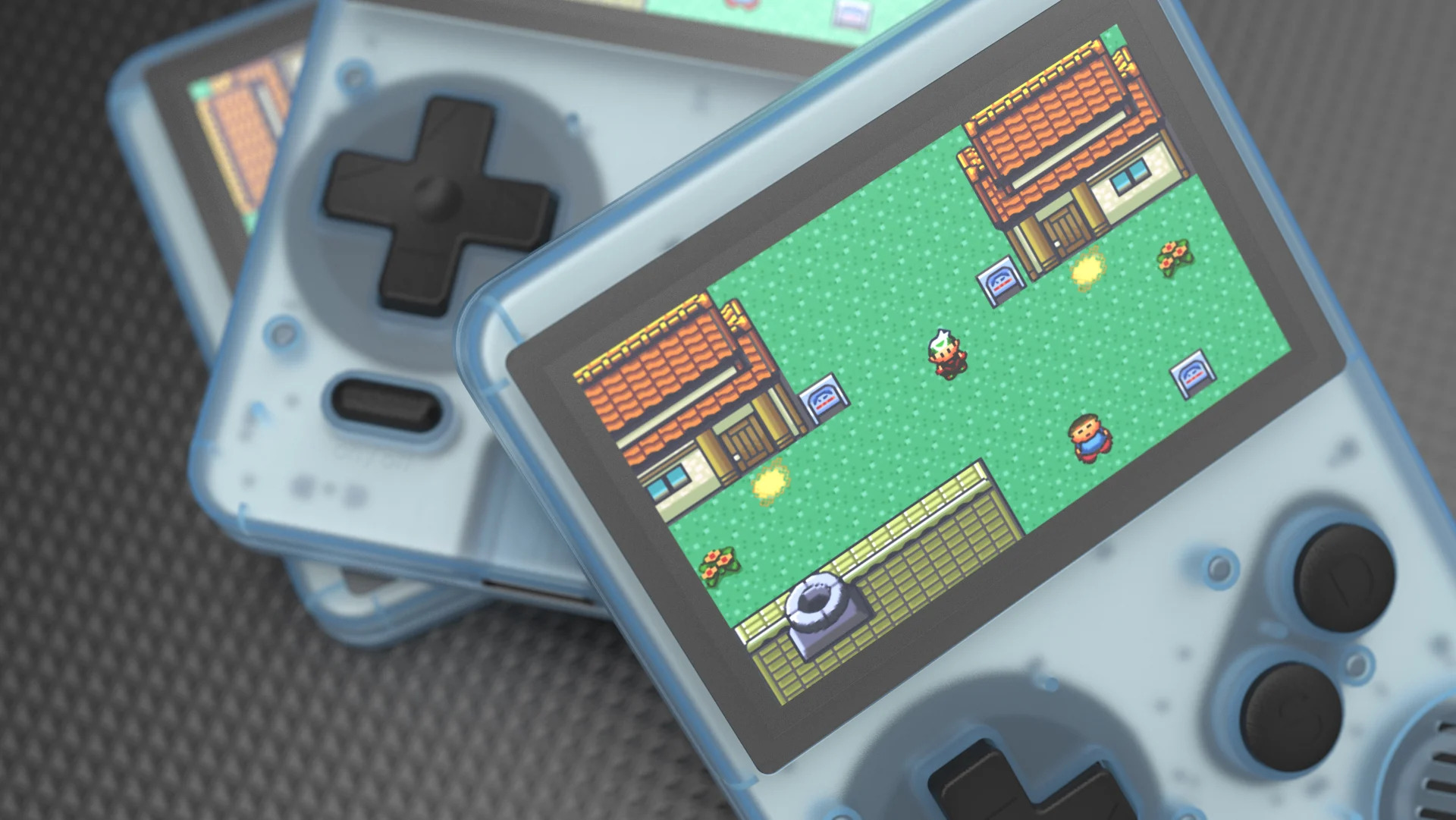
With KeyShot, color and material variants are model changes, not new photo sessions. A product material can be modified in seconds: changing the color of a paint, adjusting the roughness of a surface, simulating an anodized finish or a powder coat. Each variant generates an image in the same environment, with the same light and the same angle, ensuring all product variants look consistent with each other in the catalog.
That ability to iterate variants without additional sessions has a direct impact on the speed of launching new products and versions. The e-commerce team can have catalog images ready the same day the final design is approved, without waiting for sample manufacturing or photo studio availability. For markets with short launch cycles or frequent seasonal editions, that agility is a real competitive advantage.
Image Quality That Competes With Studio Photography
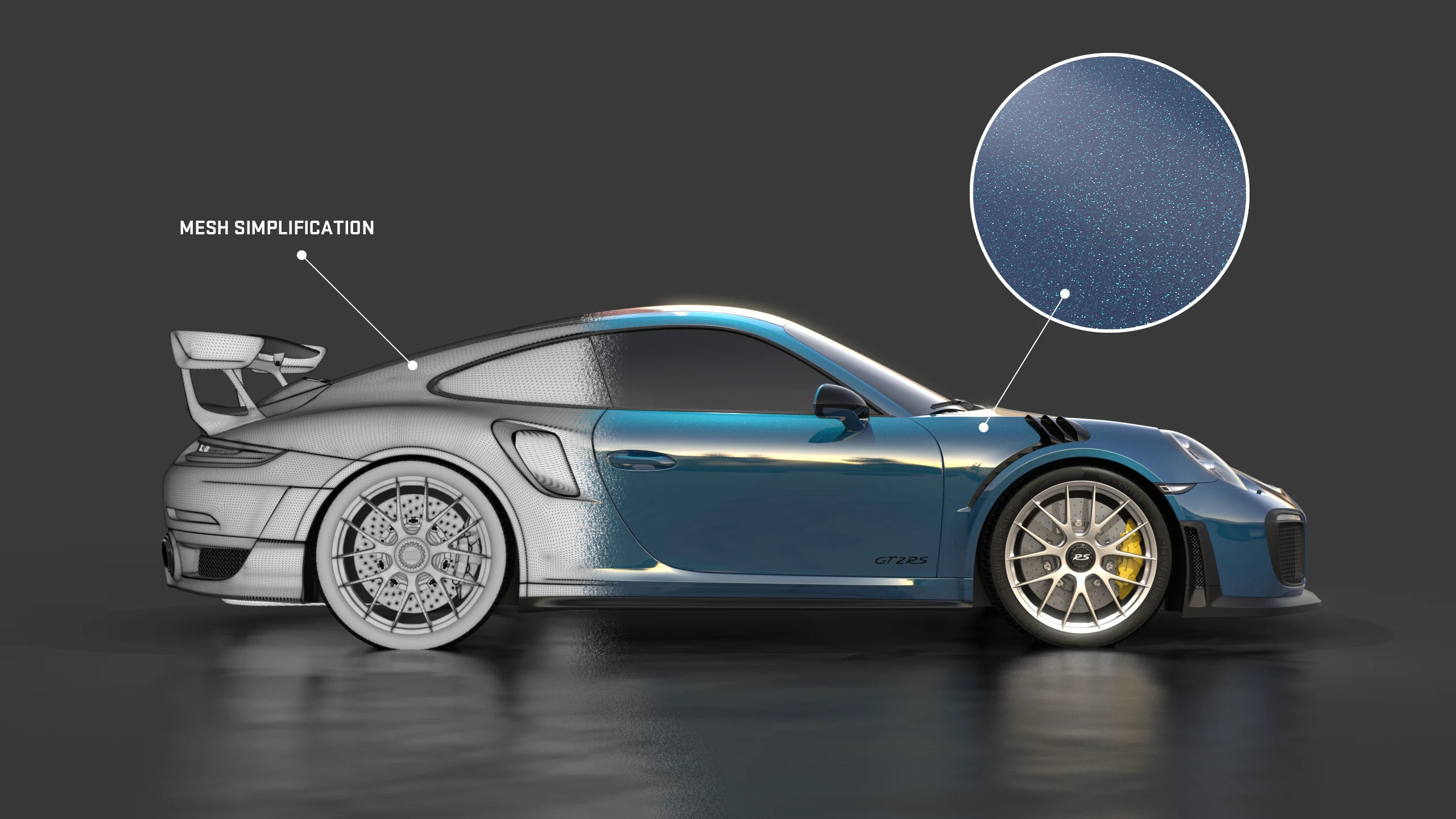
The most frequent objection to 3D render as a substitute for product photography is quality: does the result look as real as a photo? With KeyShot and a well-prepared 3D model, the answer for most catalog products is yes. The KeyShot render engine uses ray tracing that simulates the physical behavior of light, generating reflections, shadows, and material transitions that are indistinguishable from photography on screen.
For products with complex surfaces, such as objects with metallic, translucent, and matte parts combined, KeyShot has physically correct material libraries that simulate the real behavior of each surface type. Glossy plastic looks like glossy plastic. Brushed metal looks like brushed metal. Glass refracts light correctly. That material fidelity is what allows the customer who receives the product not to be surprised by the difference between the photo and the actual object.
Where Aufiero Informatica Comes In
KeyShot is distributed by Aufiero Informatica, an official distributor with extensive experience in render and product visualization software for design, engineering, and marketing teams.
If your e-commerce catalog has inconsistent images affecting brand perception, or if the product photography process consumes time and budget that limits launch speed, Aufiero can advise you on integrating KeyShot with the CAD and 3D formats your team already uses.
Frequently Asked Questions About KeyShot for E-commerce
Does KeyShot import my CAD and 3D files directly?
Yes. KeyShot integrates with the main 3D modeling and CAD formats: SolidWorks, CATIA, PTC Creo, Rhino, SketchUp, Alias, and more. If the design or engineering team already works with 3D models of the product, those models are the starting point for catalog images.
How long does it take to render a catalog image?
With configured environment presets, rendering a product image can be completed in minutes. The KeyShot real-time render engine shows the result while parameters are adjusted, eliminating the render-and-wait cycle of traditional tools.
Can I generate color and material variants without new sessions?
Yes. Color, texture, and material variants are model changes within KeyShot, not new render sessions from scratch. Each variant inherits the same catalog environment, ensuring visual consistency across all product versions.
Can 3D render completely replace product photography?
For most e-commerce catalog products, yes. KeyShot uses ray tracing that simulates the physical behavior of light, with physically correct material libraries that generate images indistinguishable from studio photography on screen. Quality meets the standards of the main marketplaces.
Where can I purchase KeyShot?
Through Aufiero Informatica, official KeyShot distributor in LATAM.